
No matter how often you clean your phone, laptop, or tablet, it seems like within hours—sometimes minutes—they’re smudged again. You wipe the screen until it shines, and before you know it, there are fingerprints, streaks, and specks of dust everywhere. Why does this happen? And is there anything you can actually do to keep your devices looking cleaner for longer?
The short answer: yes, but it’s not just about wiping them more often. The reason your gadgets get dirty so quickly comes down to a mix of biology, environment, and design. Understanding what’s really going on behind those greasy marks and dusty corners can help you tackle the problem more effectively—and even prevent it in the first place.
The Science of Smudges
Every time you touch your screen, you’re leaving behind a combination of sweat, oil, and microscopic skin flakes. Your skin naturally produces sebum—an oily substance that keeps it soft and protected. When your fingers meet smooth glass or plastic, that oil transfers instantly. Over time, it builds up into the smears and fingerprints you see so clearly under bright light.
The smoother the surface, the more visible the marks. This is why your phone or tablet screen looks dirty so quickly compared to, say, a textured laptop keyboard or matte-finished casing. Light reflects differently off a glossy surface, highlighting every smudge and dust particle.
To counteract this, many manufacturers use anti-fingerprint coatings on screens and glass panels. These thin, invisible layers make it harder for oils to stick and easier to wipe away residue. But while they do help, they’re not a perfect solution. Over time, these coatings wear down—especially if you clean your devices aggressively or use alcohol-based wipes—and once they’re gone, smudges return with a vengeance.
Heat, Humidity, and Hands
Environmental factors also play a big role in how quickly your gadgets get dirty. Warmth from your hands and the surrounding air softens your skin’s oils, making them more transferable. Combine that with humidity—especially during summer—and every touch leaves a stronger, stickier residue.
The heat generated by devices themselves doesn’t help either. Phones, laptops, and tablets all emit warmth during use, creating the perfect conditions for oils and dust to cling. That’s why your screen seems to collect fingerprints faster while you’re watching videos or gaming—it’s literally “attracting” grime through static and temperature.
And let’s be honest: we’re not always using our gadgets with clean hands. A quick scroll while eating, applying hand cream, or even just after handling everyday objects adds another layer of contamination.
Dust: The Unseen Culprit
While fingerprints get most of the attention, dust is the silent offender that makes your devices look constantly grimy. Airborne particles settle on every surface, especially static-charged materials like plastic and glass. Once dust lands, it sticks to the oils and moisture already on your device, creating a dull, dirty appearance that’s harder to wipe away.
Keyboards, ports, and speaker grills are dust magnets. Tiny crevices trap debris that accumulates over time, which can even affect performance—clogging vents or muffling sound. And since dust is largely made up of dead skin cells, lint, and environmental particles, every time you touch your device, you’re redistributing it.
Keeping your workspace clean and using protective covers can help reduce dust buildup, but it’s impossible to eliminate it completely. The trick lies in managing it efficiently.
Why Screens Attract Grime Like Magnets
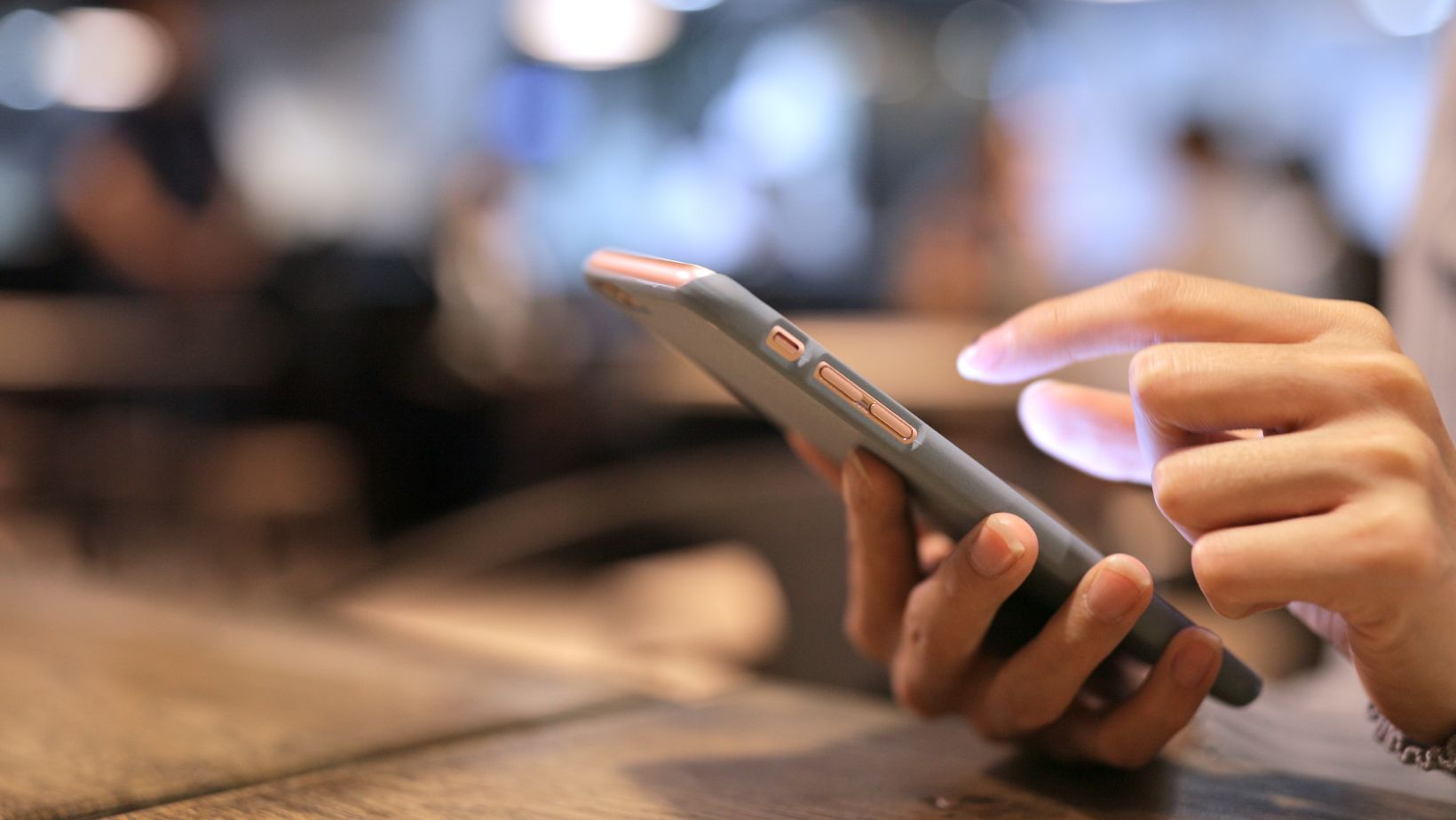
There’s another invisible force at play: static electricity. Electronic devices—especially screens—build up static charges when you use them. These charges attract airborne dust and fibres, which then combine with skin oils and moisture to form stubborn grime.
That’s why even after a thorough cleaning, you might notice dust reappearing almost immediately. Wiping your device with a dry cloth can actually make it worse by increasing static buildup. The best way to minimise this is to use slightly damp microfibre cloths or anti-static cleaning sprays designed for electronics.
Some screen protectors also include anti-static properties, which help reduce dust attraction and protect your original screen from scratches.
The Germ Factor
Beyond visible dirt, gadgets are breeding grounds for bacteria. Studies have found that the average smartphone carries more microbes than a toilet seat—a shocking but unsurprising fact given how often we handle them.
Think about it: your phone follows you everywhere. You place it on tables, take it into bathrooms, and touch it dozens of times a day—often after coming into contact with other surfaces. The warmth of the device creates a comfortable environment for bacteria to multiply.
Regular cleaning isn’t just about aesthetics—it’s also about hygiene. A simple wipe with a microfibre cloth won’t remove bacteria, so you’ll need to use a gentle disinfectant made for electronics. Avoid soaking your device; instead, lightly dampen your cloth with a 70% isopropyl alcohol solution or use pre-moistened tech wipes.
How Often Should You Clean Your Devices?
If you use your gadgets frequently (and let’s face it, most of us do), cleaning once a day is ideal—especially for items like phones and tablets that come into constant contact with your skin. For laptops and desktops, a weekly clean may be enough, though keyboards and mice deserve more regular attention.
A good cleaning routine involves:
- Microfibre cloths for wiping away oils and fingerprints.
- Compressed air to blow dust out of ports and crevices.
- Soft brushes (like makeup brushes) for keyboards and tight spots.
- Tech-safe disinfectant wipes for germ control.
Avoid paper towels or tissues, as they can scratch screens and leave fibres behind. And steer clear of harsh household cleaners—they can strip away protective coatings and damage finishes.
Preventing Dirt Before It Starts
You’ll never stop your devices from getting dirty entirely, but a few smart habits can slow the process down:
- Wash your hands regularly. It sounds simple, but clean hands mean fewer oils and particles transferred to your gadgets.
- Avoid eating while using electronics. Crumbs and grease are your worst enemies.
- Use cases and covers. These can take the brunt of the grime, keeping the actual device cleaner.
- Store devices properly. Keeping your phone in a pocket or bag reduces exposure to airborne dust.
- Keep microfibre cloths handy. A quick daily wipe can prevent buildup from becoming noticeable.
It’s also worth considering screen protectors or accessories designed for easy cleaning. Some use advanced hydrophobic and oleophobic treatments that repel oils and reduce smudges.
The Future of Clean Tech
As our lives become more tech-dependent, manufacturers are racing to make gadgets easier to maintain. We’re already seeing devices with self-cleaning glass, antimicrobial surfaces, and dust-resistant ports.
Researchers are even experimenting with materials inspired by nature—like the lotus leaf effect, which causes water and dirt to roll right off. These surfaces could make future phones and laptops nearly self-cleaning, needing only the occasional wipe.
Another innovation is the use of light-activated coatings that break down organic residue when exposed to UV rays. This technology, once reserved for industrial applications, could soon find its way into consumer electronics, making it easier than ever to keep devices hygienic without constant scrubbing.
Clean Devices, Clear Mind
There’s something deeply satisfying about a spotless screen or a dust-free keyboard. Clean devices not only look better—they perform better and last longer. Oils, dust, and debris can affect sensors, degrade materials, and even impact battery life by trapping heat.
The good news is that with the right habits, tools, and understanding of how dirt builds up, keeping your gadgets clean doesn’t have to feel like a losing battle. A little care and attention go a long way toward preserving that just-unboxed shine.
After all, your gadgets work hard every day—helping you communicate, create, and stay organised. They deserve a bit of TLC in return. And when you take a moment to wipe away the grime, you’re not just cleaning a device—you’re making your daily experience a little clearer, smoother, and brighter too.